
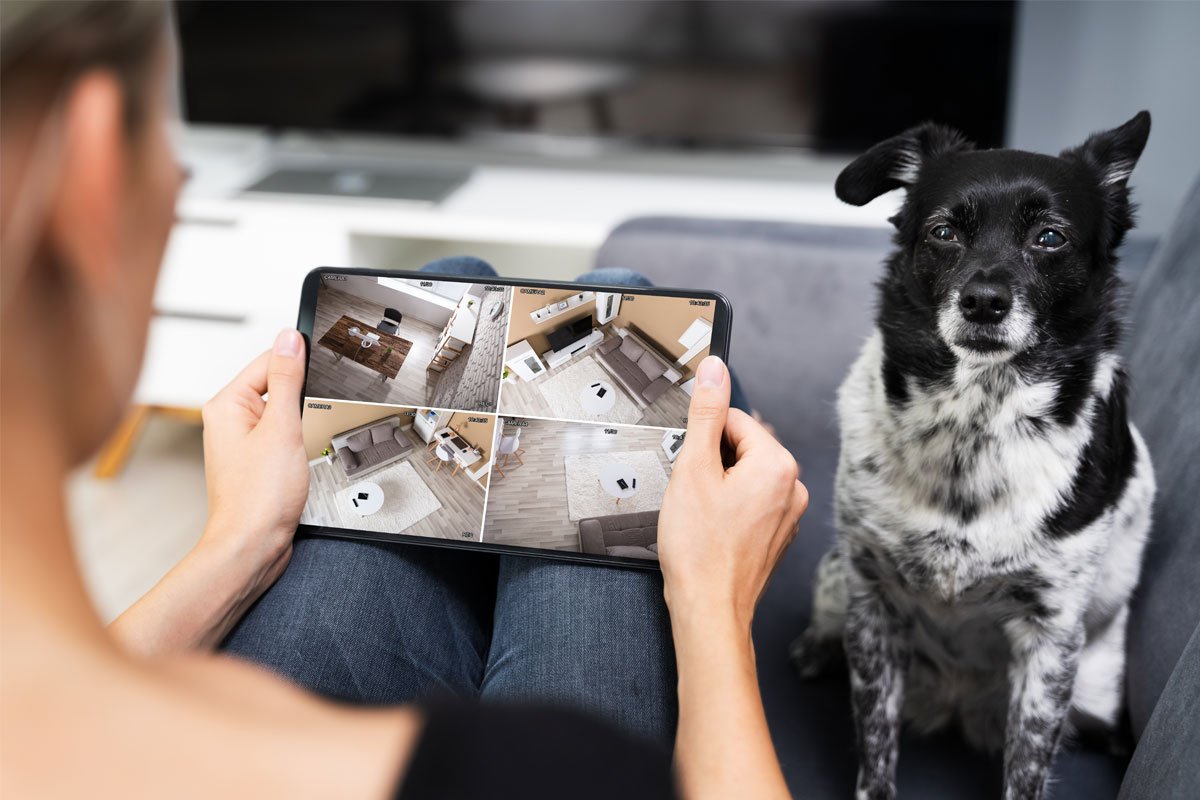
Pet camera monitoring helps you watch, talk to, and care for pets remotely in real time.
I’ve spent years testing pet camera monitoring systems and helping pet owners choose tools that keep animals safe and calm. This guide covers everything I’ve learned about pet camera monitoring — from key features and installation tips to privacy, real-life use cases, and cost trade-offs. Read on for clear, tested advice to pick and use a pet camera monitoring setup that fits your home and your pet’s needs.
Why pet camera monitoring matters
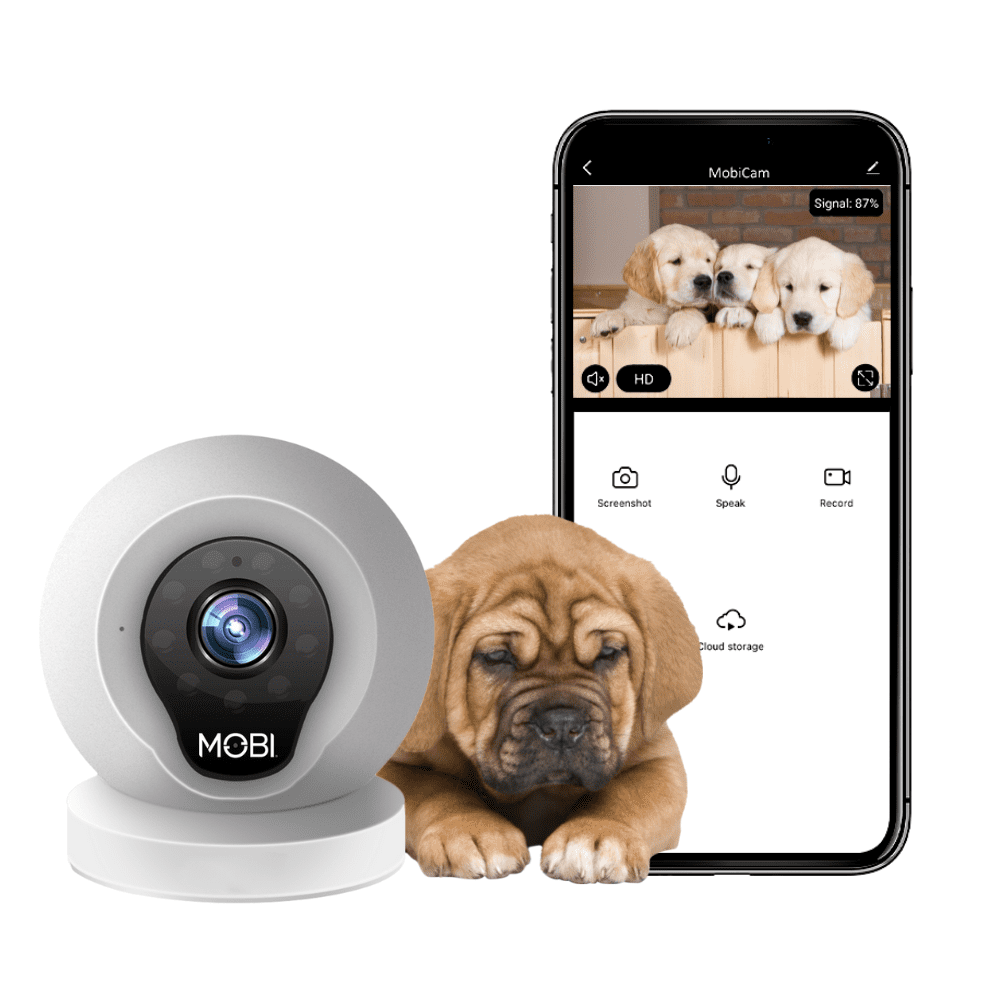
Pet camera monitoring gives pet owners eyes and ears when they’re away. It reduces stress for pets and people. Cameras can alert you to problems like separation anxiety, accidents, or health changes. They also help you reinforce good behavior and share cute moments with family.
Pet camera monitoring matters because it closes the distance between you and your pet. This keeps pets safer, helps you act faster in emergencies, and strengthens the bond with your animal. I’ve used pet camera monitoring to catch early signs of illness and to stop a puppy from chewing a couch before the habit stuck.
:strip_icc()/Furbo-Dog-Camera-9d89db154c494856a09b33062756666d.jpg)
Key benefits of pet camera monitoring
Pet camera monitoring offers many direct advantages for owners and pets.
- Real-time oversight: See what your pet is doing live and act quickly if you spot trouble.
- Two-way voice: Calm a nervous pet with your voice or give a short command.
- Activity tracking: Monitor sleep, play, and movement to spot health or behavior shifts.
- Video evidence: Use recorded clips to show a vet or trainer what’s happening at home.
- Peace of mind: Reduce worry when you travel or work late.
These benefits make pet camera monitoring more than a gadget. For many owners, it’s a new way to protect pets and stay emotionally connected.
Essential features to look for
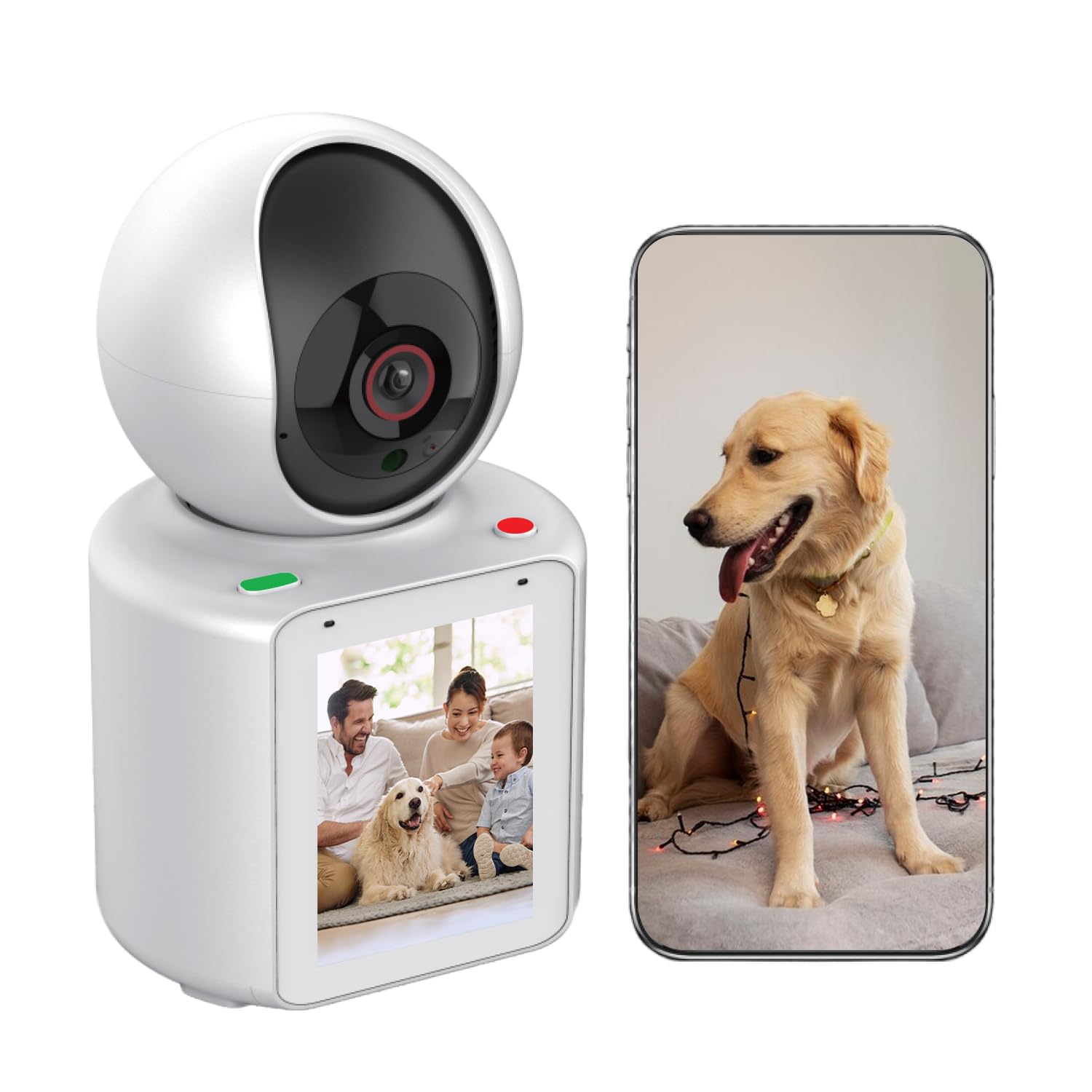
When shopping, focus on features that match your pet and home.
- Video quality: Choose at least 1080p for clear images and easier behavior reading.
- Night vision: Pets move in low light; night vision ensures 24/7 visibility.
- Two-way audio: Useful to soothe or direct your pet remotely.
- Motion and sound alerts: Get notified of unusual activity or distress.
- Treat toss or interaction: Great for training and rewards during absences.
- Wide field of view and pan/tilt: Covers more area and follows active pets.
- Cloud vs local storage: Cloud is convenient; local saves cost but needs maintenance.
- Battery life and power options: Decide between wired models and battery-operated units.
- App reliability and privacy controls: Look for strong encryption and clear data policies.
I once picked a camera with poor night vision and regretted it. Clear video and good alerts are the things I never compromise on.

How to choose the right pet camera monitoring system
Follow a simple buyer process to match features to your needs.
- Identify priorities: Safety, training, play, or separation monitoring.
- Check home setup: Wi-Fi strength and where you want coverage.
- Consider pet size and behavior: Active dogs need wide view and fast pan; shy cats need a quiet camera.
- Compare costs: Upfront camera cost, monthly cloud fees, and accessory costs.
- Read reviews and test support: Good customer service matters for troubleshooting.
I recommend trying a camera with a solid return policy. I tested several units and returned one that failed to send alerts in weak Wi-Fi. A test period lets you confirm it works in your real home.

Installation and placement tips
Placement makes or breaks pet camera monitoring performance.
- Height and angle: Place at pet eye level for clear expressions and behavior cues.
- Avoid windows and bright light: Backlight causes silhouettes and lost detail.
- Cover key zones: Put cameras in the room where your pet spends most time, near doors, or where accidents occur.
- Secure mounting: Use a stable shelf or wall mount to avoid knocked-over devices.
- Test audio: Speak to your pet and check volume levels before you leave.
For my anxious dog, moving the camera two feet closer and lowering it captured calming body language I hadn’t seen before.

Privacy and security considerations
Pet camera monitoring involves handling video and audio data. Secure systems protect your family and pets.
- Use strong passwords and two-factor authentication when supported.
- Keep firmware and app software updated to patch vulnerabilities.
- Understand storage policies: Confirm how long clips are stored and who can access them.
- Disable cloud features if you prefer local storage and want to reduce cloud risk.
- Limit sharing: Avoid publicly sharing camera accounts or open links.
I once found default credentials still active on a demo unit. Always change defaults when you set up a device.

Real-life use cases and personal examples
Pet camera monitoring works in many scenarios.
- Separation anxiety: I used alerts and two-way audio to calm a nervous dog during short absences. Gradual desensitization plus remote reassurance reduced barking.
- Health checks: Video revealed subtle limping before a vet visit, which sped diagnosis.
- Training reinforcement: I rewarded good behavior remotely with a treat toss feature.
- Multi-pet homes: Cameras helped identify which pet used furniture or created messes.
- Boarding and pet sitter oversight: I compared sitter behavior across visits and ensured pets received attention.
These real moments show how pet camera monitoring supports care and training.
Maintenance, troubleshooting, and tips
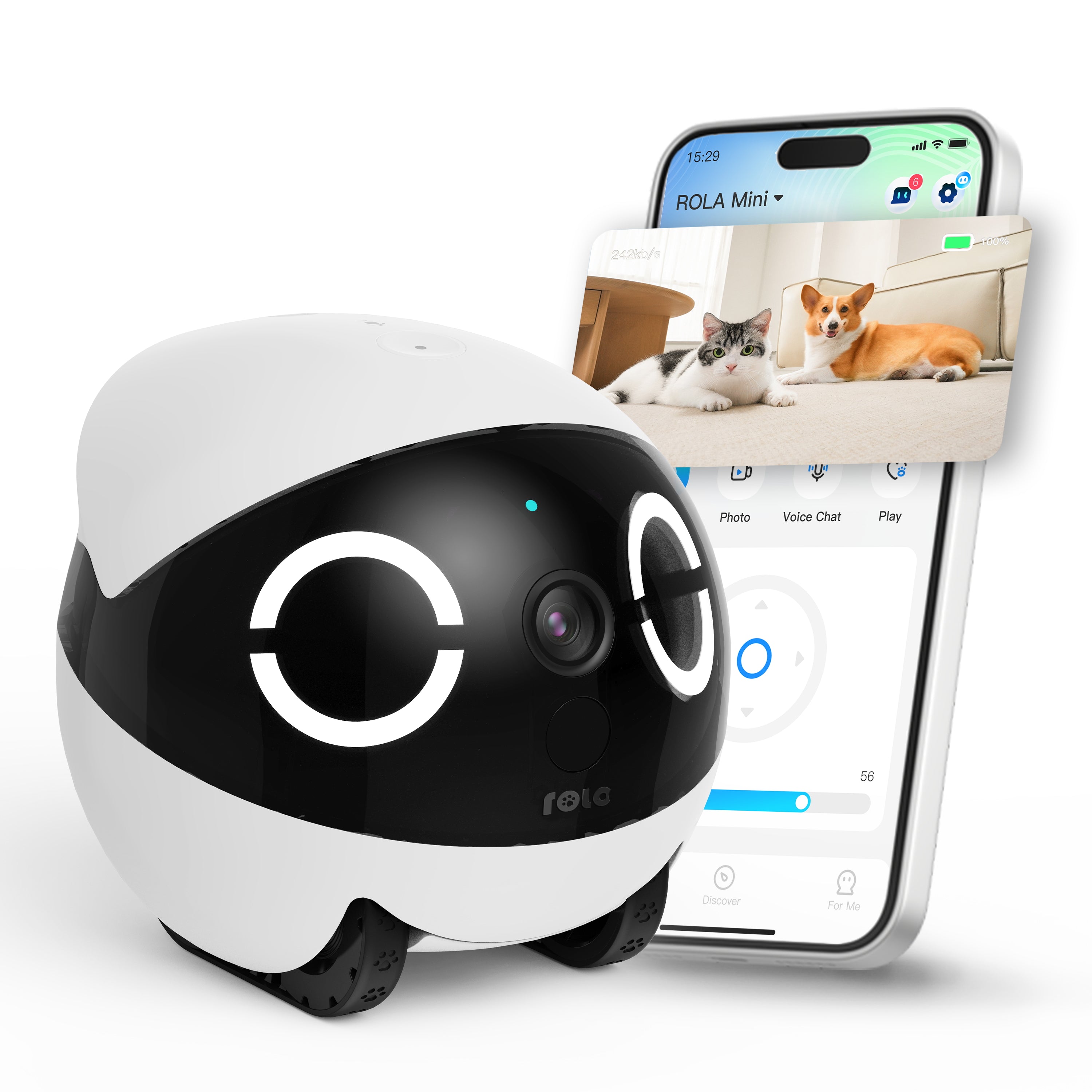
Keep your system reliable with routine checks.
- Regularly clean camera lens for clear images.
- Restart the device if video lags or app disconnects.
- Check Wi-Fi strength and upgrade routers if needed.
- Rotate camera angle periodically to spot new behaviors.
- Keep a backup camera or power bank if you travel frequently.
When my camera froze during a storm, a quick restart and router reboot fixed it. Small, regular maintenance avoids bigger problems.
Cost considerations and value
Costs vary widely for pet camera monitoring.
- Entry-level cameras: Lower upfront cost, basic features, limited storage.
- Mid-range models: Better video quality, pan/tilt, and some cloud storage.
- High-end units: Advanced AI alerts, integrated treat dispensers, and robust cloud plans.
- Monthly fees: Factor in subscription costs for storage, advanced alerts, and support.
Think of pet camera monitoring as insurance for peace of mind. In many cases, catching an issue early saves vet bills and stress later.
Troubleshooting common problems
If your pet camera monitoring setup misbehaves, try these fixes.
- No video: Check power, wifi, and app permissions.
- Lag or dropouts: Move the camera closer to the router or add a Wi-Fi extender.
- Poor audio: Test microphone and speaker levels and make sure nothing blocks them.
- False alerts: Adjust motion sensitivity and zones in the app.
- Connection failures: Reboot camera and router, then re-link the device in the app.
These simple steps solved most issues I encountered while testing different systems.
Frequently Asked Questions of pet camera monitoring
What is pet camera monitoring and how does it work?
Pet camera monitoring uses cameras and apps to stream video and audio from your home to your phone. It works over Wi-Fi, sending live and recorded clips to a cloud or local storage.
Can pet camera monitoring help with separation anxiety?
Yes. Two-way audio and scheduled check-ins can calm anxious pets and let you reward good behavior remotely. It’s most effective combined with training and gradual desensitization.
Are pet camera monitoring systems safe for privacy?
They can be safe if you use strong passwords, enable two-factor authentication, and keep firmware updated. Choose vendors with clear privacy policies and encrypted data.
Do I need a monthly subscription for pet camera monitoring?
Not always. Some cameras offer local storage without fees, but many advanced features and cloud storage require subscriptions. Compare plans to find the best value.
Will pet camera monitoring detect health problems?
Cameras can highlight visible signs like limping, lethargy, or changes in eating and sleeping. They don’t replace a vet, but they provide useful early evidence.
Conclusion
Pet camera monitoring gives owners a practical way to watch, comfort, and protect their pets from anywhere. By choosing the right features, securing your system, and using cameras thoughtfully, you can reduce worry and improve your pet’s well-being. Start with a clear priority list, test a device in your home, and use short monitoring sessions to build a routine that works for your pet. Try one small change today — add a camera to the room your pet uses most and see what new insights you gain. Leave a comment below to share your experience or subscribe for more pet tech tips.
